

Overview
The Gmail integration allows you to query emails from Gmail. It supports both and .Authentication
The Gmail integration requires an OAuth connection, and is available in Hyperspell as a personal connection without any additional setup. Note that during the OAuth flow, users will be asked to choose which Google account they would like to connect.Dealing with Google access issues
If, while connecting to a Google Service using OAuth, you get an error about “This app is blocked”, you need an admin to unblock it.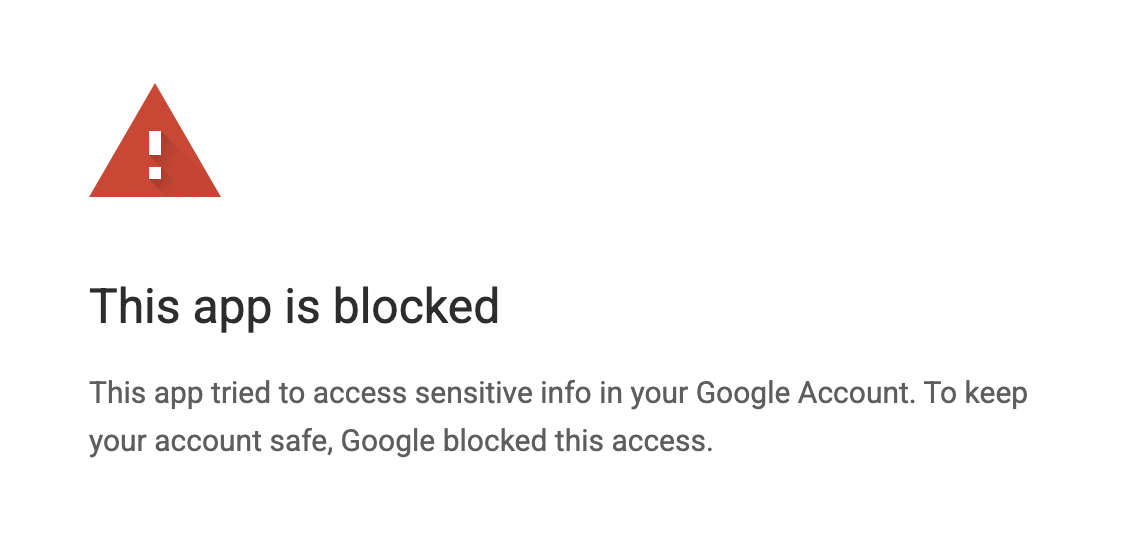
This app is blocked
1
Go to admin.google.com
2
Go to Security → Access and data control → API controls
3
Click Manage Third-Party App Access (under “App access control”)
4
Click Add app → OAuth App Name Or Client ID
5
Paste the client ID:This is the client ID of the Hyperspell OAuth app.
6
Select the app in the results, choose All users (or the relevant OU/group), click Continue
7
Set access to Trusted (“Can access all Google services”) → Configure / Save