> ## Documentation Index
> Fetch the complete documentation index at: https://docs.hyperspell.com/llms.txt
> Use this file to discover all available pages before exploring further.
# Quickstart
> Start building AI apps on Hyperspell
## Setup your account and try Hyperspell with your own data
Create or log into your Hyperspell account at [app.hyperspell.com](https://app.hyperspell.com). You will be be prompted to set up your first application.
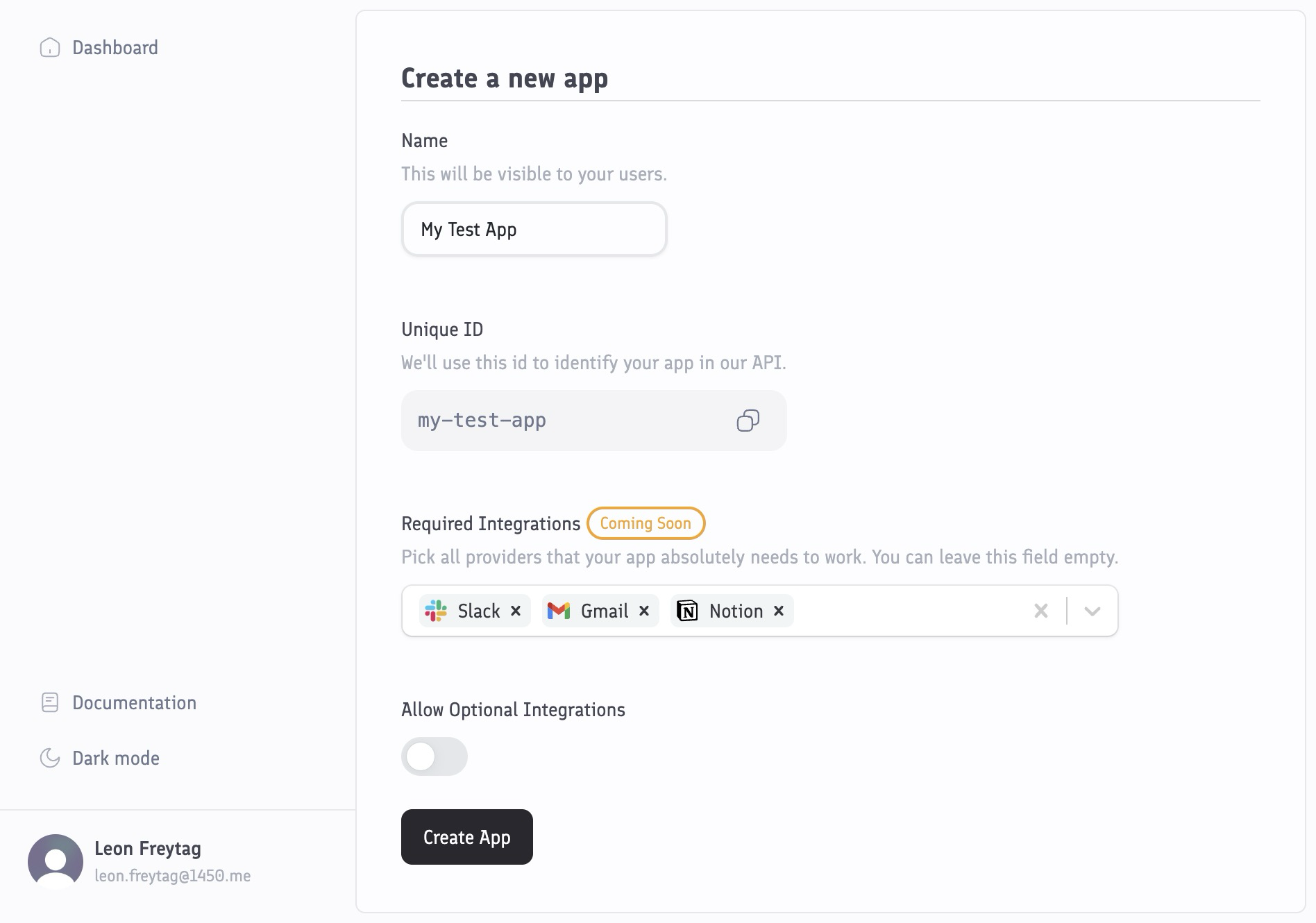 You can choose which [integrations](/integrations/overview) you want to enable. Integrations allow your users to connect their accounts so that Hyperspell can automatically build a memory layer from that data. You can always add more integrations and configure themlater.
Navigate to the [Sandbox](https://app.hyperspell.com/sandbox) , and click on the "Connect your accounts" button for the services you want to connect to.
You can choose which [integrations](/integrations/overview) you want to enable. Integrations allow your users to connect their accounts so that Hyperspell can automatically build a memory layer from that data. You can always add more integrations and configure themlater.
Navigate to the [Sandbox](https://app.hyperspell.com/sandbox) , and click on the "Connect your accounts" button for the services you want to connect to.
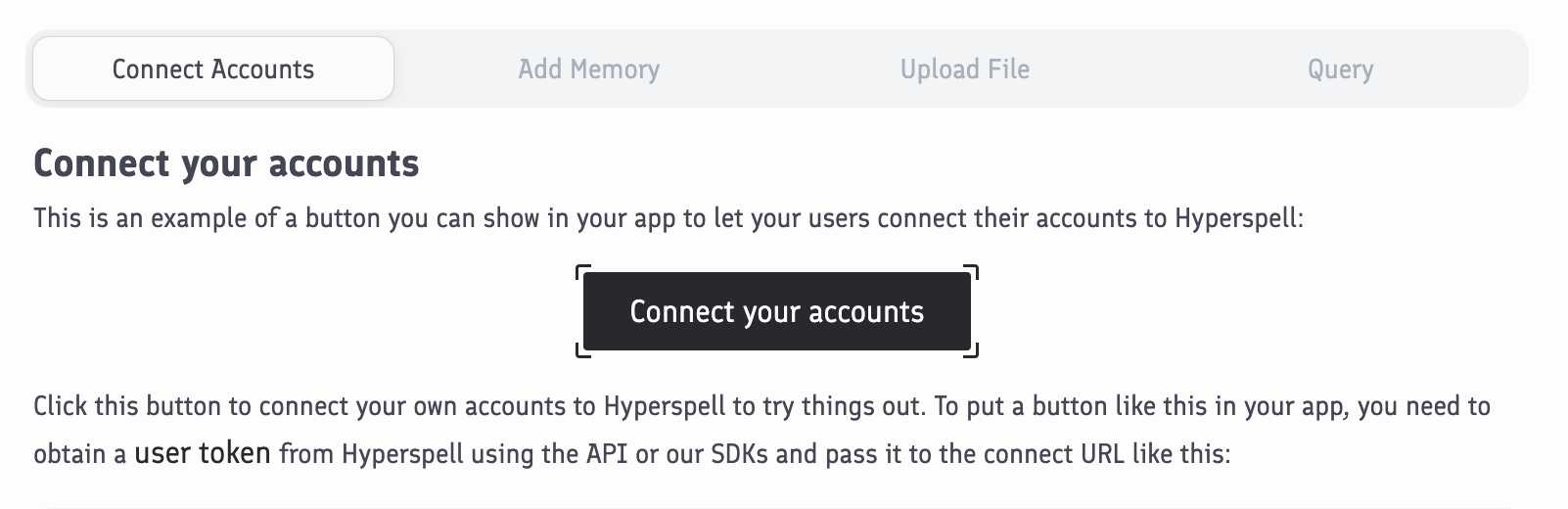 This will let you connect your personal accounts for testing. Later, you can place a button just like this in your own app to let your users connect their own accounts.
On the "Upload files" tab in the [Sandbox](https://app.hyperspell.com/sandbox), you can manually upload documents like PDFs or spreadsheets. Later, you can also use the API or our SDKs to upload files.
As soon as your accounts are connected, Hyperspell will automatically index the data to build a memory. Depending on the amount of messages, emails, and so on, this may take a few minutes to complete, but the first tranche of data will be available almost immediately.
Head back to the Sandbox and navigate to the **Query** tab and try out a query against your own data. Pick the data sources that you want to query, and enter a query:
This will let you connect your personal accounts for testing. Later, you can place a button just like this in your own app to let your users connect their own accounts.
On the "Upload files" tab in the [Sandbox](https://app.hyperspell.com/sandbox), you can manually upload documents like PDFs or spreadsheets. Later, you can also use the API or our SDKs to upload files.
As soon as your accounts are connected, Hyperspell will automatically index the data to build a memory. Depending on the amount of messages, emails, and so on, this may take a few minutes to complete, but the first tranche of data will be available almost immediately.
Head back to the Sandbox and navigate to the **Query** tab and try out a query against your own data. Pick the data sources that you want to query, and enter a query:
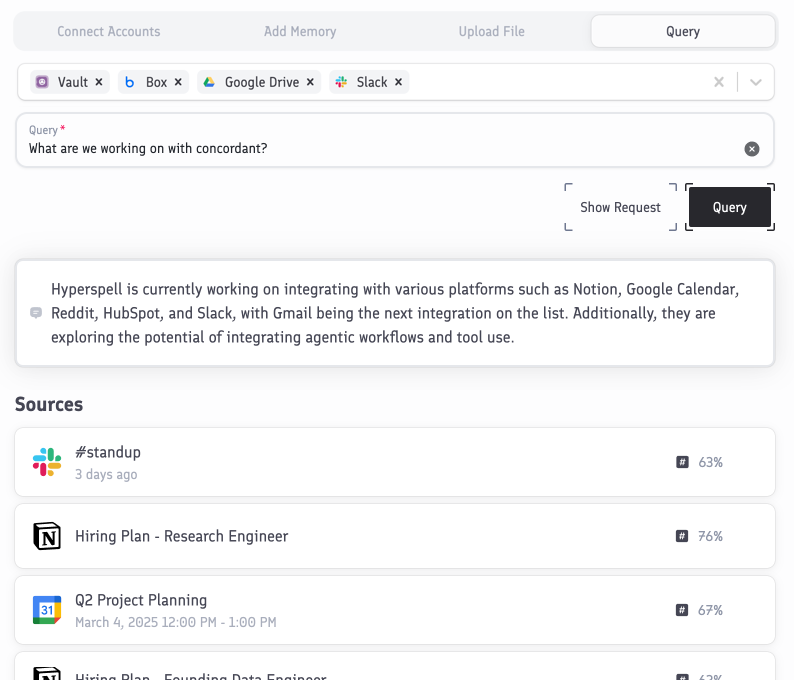 If it is a question, Hyperspell will use retrieval augmented generation to answer it. When using the API or our SDKs, you can choose whether you only want to retrieve relevant data from your sources, or answer the query too.
## Next steps
Learn how to use our custom Claude Code skill to integrate Hyperspell into your codebase automatically.
Learn how to use the API or our SDKs to query your user's data manually.
If it is a question, Hyperspell will use retrieval augmented generation to answer it. When using the API or our SDKs, you can choose whether you only want to retrieve relevant data from your sources, or answer the query too.
## Next steps
Learn how to use our custom Claude Code skill to integrate Hyperspell into your codebase automatically.
Learn how to use the API or our SDKs to query your user's data manually.